
Client Management
Keep client records organized and easy to find from one dedicated workspace.
Clients, projects, documents and business progress — organized in one private desktop workspace.

Sayrish Desk is a local-first desktop management application created to bring the operational side of a small business or independent digital studio into one focused control center. Instead of keeping client details, quotations, agreements, invoices, payment records and project documents scattered across different folders and spreadsheets, the app provides a structured place to manage the full client-project lifecycle.
This screenshot shows the current desktop application interface and the type of information it is designed to manage.
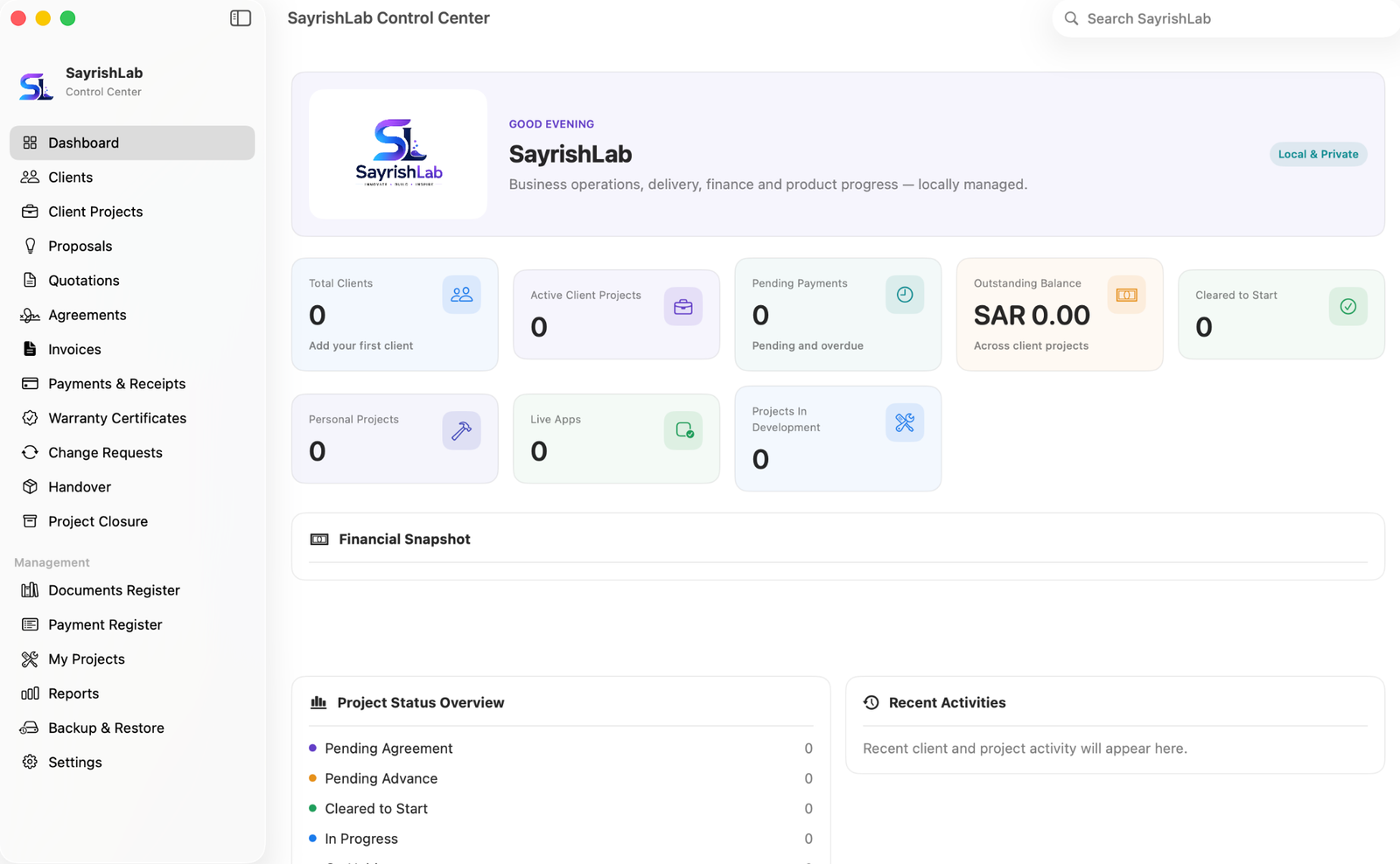
Keep client records organized and easy to find from one dedicated workspace.
Create and follow active client projects with a clearer view of delivery progress.
Prepare and organize commercial documents before a project begins.
Maintain project agreements alongside the related client and project information.
Track invoices, payment records, receipts, pending amounts and outstanding balances.
Keep post-delivery warranty documents and requested project changes in the same system.
Manage the final handover and closure stage so completed work has a proper record.
Use structured registers to review important business documents and financial records.
Keep internal or personal product work separate from client work while still seeing progress in one dashboard.
Review business information and protect local records with backup and restore workflows.
This application is not offered as a public store download on this page. If you are interested in the app, need a similar system, or want to discuss customization for your workflow, contact SayrishLab with your requirements.
The interface and available functions may continue to evolve as the application is improved. Exact installation, platform compatibility, data migration and customization requirements can be discussed before delivery.
Live chat is ready. Add your Tawk.to Property ID and Widget ID in Appearance → Customize → SayrishLab Settings.
Send a detailed enquiry →